


.svg)
.svg)
.svg%201.svg)



Get Business Email
No domain name required
Email for Managers
Get Neo today!

A business email address is one of the first details that recipients notice when you send them an email. As a manager of a business or organization who provides their email address to partners, customers, members, etc., a business email address is essential to reflecting credibility.
As a result, it has become essential for effective networking and outreach. These connections may lead to new business opportunities, partnerships, and information sharing.
A business email is only used for business communications and typically contains a custom domain name rather than a generic domain name, like @gmail.com or @outlook.com. These professional email addresses also include your manager position, which helps in communication with the client.
When creating emails for managers, it is best to use a domain name associated with the brand. For example, if you are a manager at a real estate company named Houston Homes, then your email address should be maxhillton_manger@houstonhomes.com.
This email address reflects your name, position, and company name. Are you interested in registering the domain name and starting to use the custom email address for business communication?
This blog discusses two ways to create email for managers. One is with Neo, which is a cost-effective alternative, and the other is a generic method, which describes the overall process of creating email for managers.
Method 1: Create an Email for Managers with Neo Mail (Without a Custom Domain)
For creating a custom email address for managers, you will require a domain name. You can use the company domain name, or if your company doesn’t have a domain name (like if you are an emerging small business), then you can start by registering your domain name.
Here are the steps to register a domain name for free. Neo offers domain name registration free with its email hosting plans.
Step 1: Go to the official Neo website and click the "Get Started for Free" button.

Step 2: Select "I need a new domain name".

Step 3: Enter your desired domain name, which will be your business or brand name.

Step 4: Create your customer account and configure your business email inbox.
After creating your customer account, you can set your business email inbox. You can start by creating an admin email address, which will be yourname_manager@domain.co.site. You can add other email addresses and create email aliases as well.
You can even create an email for your team, like teamname@domain.co.site. If you don't have a team name, you can go through our team name guide to get ideas.
Then, you will have to choose an email hosting plan and enter your payment details. Neo offers all its plans at affordable rates, and you can try the platform during the free trial period.
Method 2: Create a Professional Email Address For Managers with an Existing Domain
If your brand or company has a domain name registered with independent registrars, like GoDaddy and Namecheap, then you can use that to create email addresses for managers.
Step 1: Go to Neo’s official website and click on the "Get Started for Free" button.
Step 2: Click on the option “I already own a domain name”.

Step 3. Enter your registered domain name.

Step 4: Create your account on Neo Mail and set your business email inbox.

Start configuring your business mailbox, and continue to choose a plan appropriate for your business. Select one of the Neo pricing plans that best meets your needs. Then, enter your information and make a payment to generate your email address. To complete the process, make sure to point your domain to Neo using this guide.
After you've completed your billing and set up your account, take a moment to explore the settings. You can customize your inbox, create a signature, and change your preferences.
Alternate Way: How to Create Email for Managers?
Creating an effective business email address involves several options. However, the steps mentioned above will help you get the best email domain. Below are some of the general steps that you need to follow to get domains from other service providers.
Step 1. Find a domain registrar and email hosting provider.
You can choose an email hosting service provider that offers domain registration as well. This will help consolidate your billings and keep the process simple. For instance, there are ample service providers, like Neo, GoDaddy, Namecheap, and Hostinger.
Step 1. Choose an email domain name.
Register your domain name, which should be similar to your brand name. However, keep in mind the domain extension that you are choosing. For example, a tech-based company can choose domain extensions, like .net, .com, .io, .ai, and .tech, and similarly, a company targeting a UK audience can choose .co.uk as a domain extension.
The domain name registration price will now vary depending on the extension selected and the availability of the domain name. Some domain names are already registered, so you will have to purchase that domain name from the owner, and you may have to pay a higher price.
Step 2. Check if your desired email domain name is available
Before making any plans, make sure that the domain has not already been taken. You can find out by searching for the domain name. The following methods can be used to determine the availability of a domain name:
- Contact a domain registrar.
- Utilize dedicated domain name search tools.
- Use ICANN's WHOIS lookup.
- Check the trademarks.
- Perform a simple web search.
Step 3. Setting up an email address
Create a new email account using your email hosting Control Panel. Various hosting providers offer multiple methods for creating business emails. Here are some examples of email addresses for managers:
Here are some examples:
- john-manager@trotek.com
- gene.richards@acmeventuresglobal.net
- peter.parker@zylker.uk
- legal.manager@corporation.gov
- peter.p@zylker.in
- sarah-manager@association.org
- techsupport@softwarefirm.info
You may also use an underscore to separate the names, but a period is more commonly used nowadays. Numeric characters are generally avoided in business email addresses, but they can be used if necessary.
Choosing the Right Email Service for Managers
Being a manager, the number of emails you have to send and receive on a daily basis increases as your business expands. Here is the list of the top email service providers for managers that can help you optimize all aspects of your email routine.
1. Microsoft Outlook

Microsoft 365 is a comprehensive set of tools for growing your organization. Office 365 is still one of the world's most popular office productivity packages. It is the world's second-largest office suite, with 46% of the market share as compared to 48% of Google's G Suite.
While Excel, Word, and PowerPoint are essential tools for any organization, Outlook stands out as one of the most popular email management platforms on the market. Microsoft 365 is undoubtedly familiar. Word, PowerPoint, OneDrive, Excel, and, of course, Outlook are softwares used in many businesses.
Features:
- Collaborate on documents in your company's Cloud drive.
- Centralize all of your papers and data for easy access across the Microsoft 365 suite.
- Keep track and manage all of your documents in their Cloud archive.
- Microsoft Outlook includes a calendar that allows you to arrange emails, appointments, meetings, and activities.
- You can set reminders to help yourself remember important dates.
2. Google Workspace
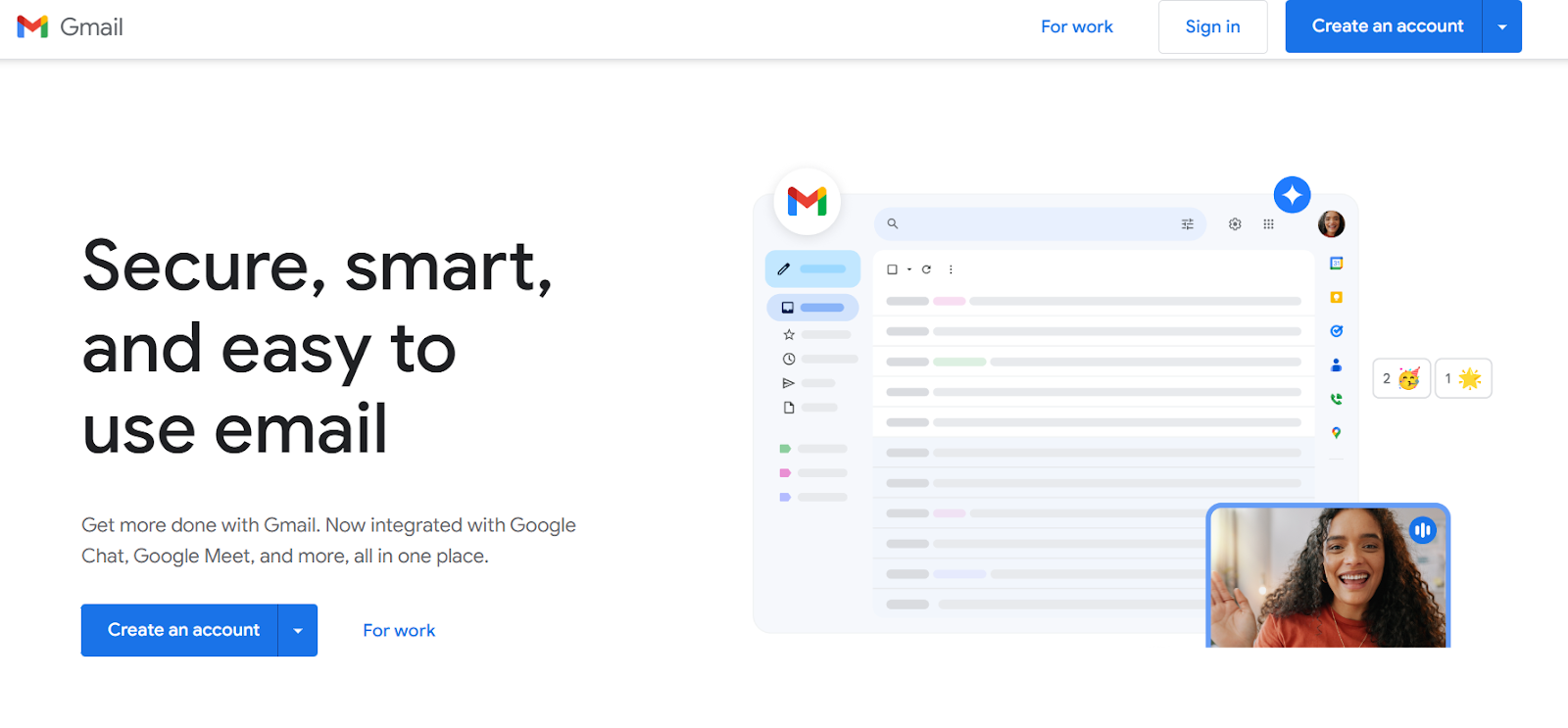
Google Workspace offers more than just Gmail for business; it includes personalized business email hosting with familiar features for users with "@gmail.com" addresses. Google's corporate email service links with its in-house cloud collaboration tools and supports integration with project management platforms like Asana, Salesforce, and Notion.
Once you have chosen a domain, you can easily register for Google Workspace within a short period of time. It allows you to create a custom email address with your domain. However, it costs more than platforms such as Neo.
Features:
- Google's workplace offers various tools such as Google Docs, Sheets, Slides, Drive for storage, Calendar, Chat, and Meet for communication and conferencing.
- Google's management tools are user-friendly and now include the sophisticated functionalities required by businesses, like Vault for compliance archiving.
- Google Workspace enables users to use advanced rules for automatically organizing and managing emails.
3. Neo Mail
Neo Mail is a business email platform that provides small businesses and entrepreneurs with a suite of tools to enhance email management and email marketing. For users who do not own a domain, it provides email services with a free Neo domain and a simple one-page website to help them establish their brand identity and credibility.
Neo is a dependable email platform with a custom email address. Many people just starting with an email host will discover it as a great platform for managing email with powerful features such as the following:
Features:
- Read Receipts: Neo Mail's Read Receipts allows you to receive notifications when someone opens your email. This handy feature eliminates the guesswork of waiting for a response, allowing you to plan your next steps.
- Priority Inbox: Your most important emails are automatically organized in a separate tab to make sure they get your immediate attention. With up to 100GB, this adaptable storage option guarantees that everyone has the space they require, whether you're a small business manager overseeing several accounts or an individual wishing to keep everything in one location.
- Reliable Apps: With Webmail and apps optimized for desktop and mobile devices, experience a seamless connection that is always available. Neo's advanced search functionality speeds up your search results.
- Multiple-account Support: Neo allows you to control multiple accounts in one place, eliminating the need to toggle between inboxes.
- Signature Designers: Create personalized signatures with Neo that reflect your company's brand and personality. Neo includes preloaded email templates, so you won't have to start from scratch.
4. Zoho Mail

It's difficult to spend five minutes using a computer or any device without encountering an advertisement. Zoho, with a clear and simple interface without ads, can transform your email experience into productivity. It can also be used offline, as it connects with various apps and includes multiple useful applications.
To start your Zoho professional email, you'll need to set up a personalized domain aligning with your professional requirements. Choose the Free option to include up to five business email accounts, each with a storage capacity of 5 GB, without any cost.
Features:
- You can connect your Google calendar and contacts, use Google Drive, and integrate your CRM system.
- Zoho stands out for its high attachment limits and strong privacy measures.
- Add files of up to 1 GB to send with your emails, and can set a time for your email to be sent.
- Emails that are sent and received are both encrypted and follow HIPAA guidelines.
- Zoho's e-Discovery function helps you access stored emails to meet your company's data compliance requirements.
If you wish to know about enterprise email service providers, refer to our comprehensive blog that covers the leading solutions and their key features.
Comparison Table
The Bottom Line,
To stay ahead of the competition, you should have an email address that reflects your identity and your profession. To keep your professional identity as a manager, use an email address that solely contains information about your professional work. This helps to make your business communication appear professional, trustworthy, and well-organized, which improves your brand's reputation and productivity.
Setting up a business email for managers becomes a valuable tool in the professional workplace, allowing for smooth and efficient communication with your clients. Choose Neo for a simple and secure business email service that includes powerful features to help you grow your business identity.
Frequently Asked Questions (FAQs)
1. Can you create an email for managers for free?
If your business domain hosting service offers a free domain name hosting add-on, you can create a professional email for managers for free. Most services provide free business emails with domain hosting, so check with your service provider. You won't need a fully functional website for this. It is sufficient to own a domain name hosted on a remote server. If you need an affordable solution, then Neo is the right fit for you.
2. What is an appropriate professional email address for a manager?
A manager's professional email address should include their name or the name of their company, such as morphy.tame@salesglobal.com. This works because it's clear who you're emailing and for what company.
3. Can I use Gmail as my business email?
Yes, you can use Gmail as a business email address, but there are several compelling reasons why you shouldn't. Gmail addresses, for example, are often perceived as generic, which can reflect negatively on you or your business. However, you can select Neo because of its all-inclusive features for creating a professional email for managers.
Get Business Email
No domain name required
Email for Managers
Get Neo today!
