


.svg)
.svg)
.svg%201.svg)



Get Business Email
No domain name required
Get Business Email
Cheaper than Google Workspace

Key Takeaways
- When a real business Gmail is worth paying for: Google Workspace is right for teams that work in Docs, Sheets and Meet every day. It starts at $7 per user per month. Free Gmail only suits side projects.
- Worth knowing before you choose Google Workspace: Every plan includes the full office suite, whether you need it or not. Business Starter's 30 GB per user can fill up fast with an imported Gmail.
- Two mistakes people make when switching to business Gmail: Converting a personal Gmail in place, or importing a big mailbox into a small plan. Start a fresh account, and check your mailbox size first.
- Gmail business alternative for small teams : Neo Mail is the pick for teams of 1 to 10. It starts at $1.25 per mailbox per month. Every Neo Mail plan includes a free domain if you don't have one.
What Is a Business Gmail Account?
A business Gmail account is Gmail on your own domain, sold through Google Workspace from $7 per user per month.
A free Gmail can also be set up for business use, but it keeps an @gmail.com address. The address, the owner and the storage are where the two Gmail routes differ, so that comparison comes next.
What's the Difference Between a Regular Gmail and a Business Gmail Account?
The main difference between a regular Gmail and a business Gmail account is ownership. A free Gmail account belongs to the person who made it. A Google Workspace account belongs to the company, and an admin controls every mailbox.
Ownership matters when someone leaves. With Workspace, the admin can suspend the account and keep the email. With a free Gmail, the person who created it can change the password and walk away with every customer thread.
Google Business Profile is not an email account. Business Profile is the free listing that shows your business on Google Maps and Search. Many people land on it when they search for a business Gmail, but it never gives you an inbox.
Gmail blocks more than 99.9% of phishing and spam attacks on both routes, according to Google. Workspace adds one control that free Gmail lacks: an admin can require 2-Step Verification for every user.
The free route has limits worth knowing before you pay, so the next question is what free Gmail can do for a business.
Can You Create a Business Gmail Account for Free?
Yes, you can create a business Gmail account for free, but only with an @gmail.com address. Google's sign-up has a "for work or my business" option. The account still can't use your own domain, and it still belongs to one person.
To create the free version, follow these 3 steps:
- Go to the Google Account sign-in page and click Create account.
- Choose For work or my business from the menu.
- Pick a Gmail address, set a password and finish the sign-up.
Google calls the business setting "business personalization." It makes a Google Business Profile easier to set up. It does not change the address, and storage stays at 15 GB shared across Gmail, Google Drive and Google Photos.
A free Gmail is good for a side project or for testing an idea. For a business that emails customers, the address itself can cost trust. A top answer on Reddit's r/smallbusiness said a shop's @gmail.com address looks like "a fly by night operation."
Creating a Google account with an address you already own gives you Google sign-in, not a Gmail inbox. For other no-cost routes, see our guide to free business email.
Email on your own domain costs money with Google, so the next step is the price.
How Much Does a Business Gmail Account Cost?
A business Gmail account costs $7 per user per month on Google Workspace Business Starter with an annual plan. Monthly (flexible) billing costs $8.40 per user. Business Standard costs $14 per user per month, and Business Plus costs $22.
Neo Mail's research team verified these prices in September 2026. Source: Google Workspace pricing.
For a cost-effective alternative focused on email, Neo Mail's Starter plan costs $1.25 on the 4-yearly plan, $1.99 on the yearly plan and $2.49 per mailbox per month on monthly billing. Every Neo Mail plan includes a free domain if you don't have one, and a 15-day free trial.
Every Workspace business plan starts with a 14-day free trial and allows up to 300 users. A domain adds to the cost if you don't have one. A .com domain usually costs about $10 to $15 per year.
Storage is the number to check before you choose Starter. Starter gives each user 30 GB, and an imported Gmail can fill that at once. Check how much your current mailbox uses before you import it, and pick Business Standard if it is close to the limit.
Google last raised Workspace prices in March 2025, so check the pricing page on the day you sign up.
With the plan picked, you're ready to create the account, which takes about an hour plus DNS waiting time.
How Do You Create a Business Gmail Account With Google Workspace?
You create a business Gmail account by signing up for Google Workspace, connecting a domain and pointing your email to Google. We checked each step against Google's own Admin Help pages.
What Do You Need Before You Start?
You need these four things before you open the sign-up page:
- Domain: Your business domain, or a plan to buy one during sign-up.
- Domain host login: Access to the account where your domain's DNS is managed.
- Payment card: A card for billing after the trial.
- Admin username: The address you want for yourself, such as alex@yourbusiness.com.
Double-check the domain before you pay. On r/googleworkspace, one owner signed up the wrong domain by clicking through too fast and got locked into paid licenses.
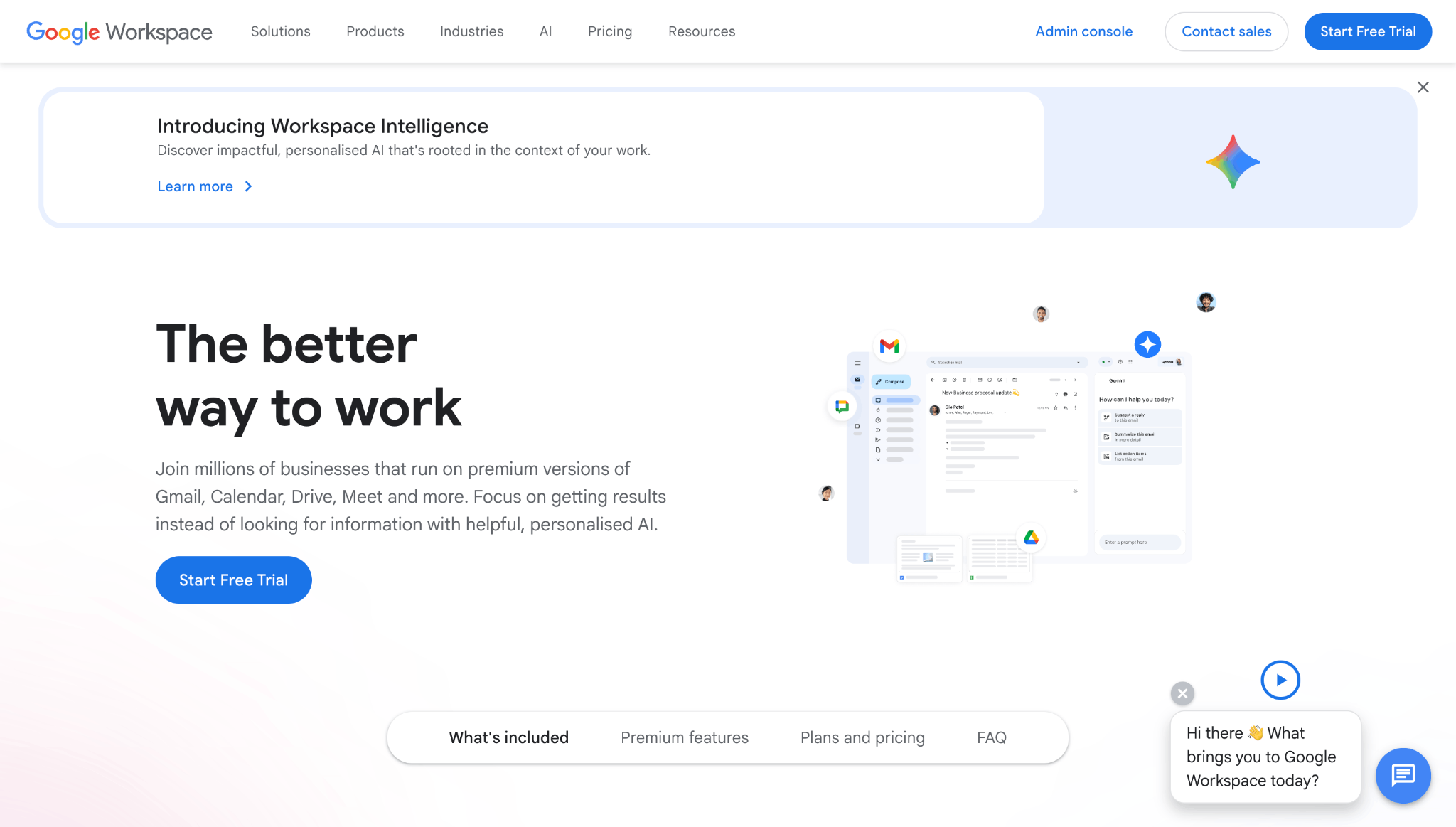
1. Sign up and pick a plan: Go to the Google Workspace site and click Get started. Enter your business name, team size and a current email address. Choose a plan. You can change plans during the trial.
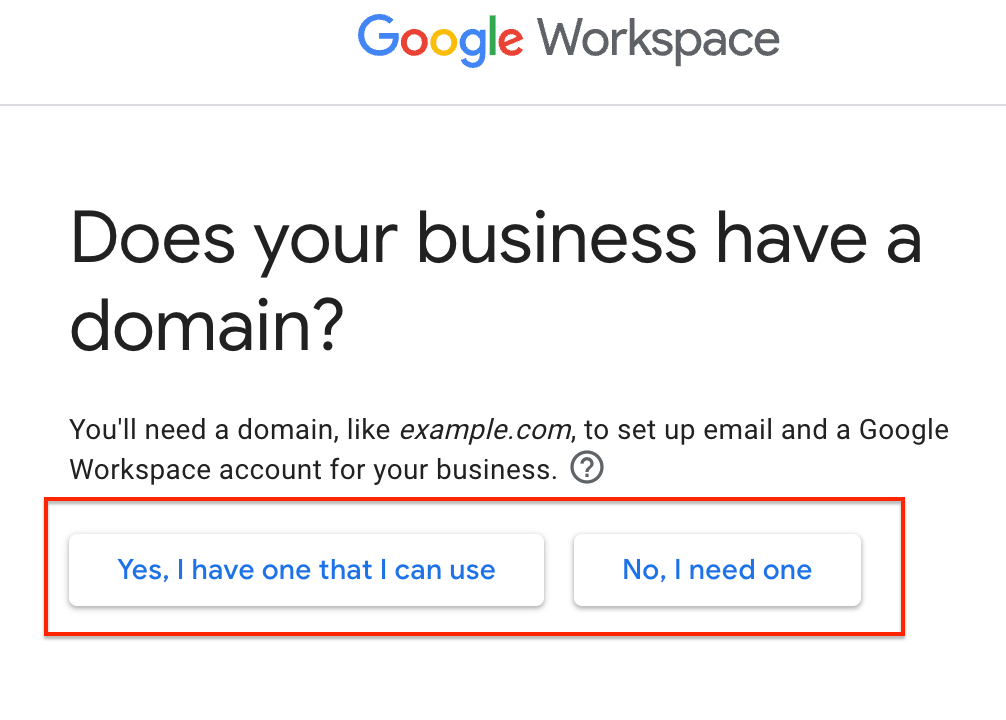
2. Add your domain: Enter a domain you already own, or buy one through Google on the spot. Your domain becomes the part after the @ in every address.
3. Verify the domain: Google gives you a TXT record, a DNS setting that proves you own the domain. Add it at your domain host. Some hosts let Google add it for you after you sign in.
4. Activate Gmail: Add Google's MX records, the DNS settings that tell the internet where to deliver your email. Follow Google's guide to activating Gmail with Google Workspace, and copy every record exactly.
5. Create users: In the Admin console, go to Directory, then Users, then Add new user. Each person gets their own login and inbox.
6. Turn on 2-Step Verification: In the Admin console, require 2-Step Verification for every user. A stolen password alone then can't open the account.
Each user costs money every month, so the next choice is which addresses to create as users and which as aliases.
Which Addresses Should You Set up: Users, Aliases or a Shared Inbox?
Set up one user account per person, and use free aliases for extra addresses. Each Workspace user is billed monthly. An alias is an extra address that delivers into an existing inbox at no cost.
Google allows up to 30 aliases per user, according to Google's Admin Help. An alias can't sign in on its own, and only one user can own it. A group address delivers the same email to several people.
Here is a simple setup for a 3-person business:
- Three users: alex@yourbusiness.com, sam@yourbusiness.com and jo@yourbusiness.com.
- One alias: billing@yourbusiness.com, delivered to Alex.
- One group address: info@yourbusiness.com, delivered to all three people.
Don't share one login between several people. Shared passwords break 2-Step Verification, and nobody can tell who sent which email to a customer.
Most setups work on the first try, but domain verification problems are common enough to plan for next.
What If Domain Verification or Gmail Activation Fails?
Domain verification and Gmail activation usually fail because of a DNS record that is missing, mistyped or still spreading across the internet. DNS changes can take up to 48 hours to reach every server.
Most failed activations come down to one fix: add every MX record Google gives you, with the right priority. Also remove old MX records from your previous email host, or some mail will keep going there.
Many of these DNS problems start when people try to move an old Gmail, so the next question is whether you can convert one.
Can You Convert Your Personal Gmail Into a Business Gmail Account?
No, you can't convert a personal Gmail into a business Gmail account on your own domain. You create a new Google Workspace account, then move your old email and contacts into it.
A top answer on Reddit's r/gsuite put it plainly: "This is a migration effort." Some users report Google offering to upgrade an existing Gmail account. Others warn that the change can't be undone.
The safe path takes four steps:
- Create the Workspace account: Set it up fresh on your domain.
- Check your mailbox size: Compare it with your plan's storage.
- Import your data: Use Google Workspace's data migration tool in the Admin console.
- Tell your contacts: Set an auto-reply on the old Gmail with your new address.
Storage is the usual trap. A personal mailbox with years of attachments can go over Starter's 30 GB limit at once. A large mailbox needs Business Standard, or a cleanup before you import it.
Once you know how Google's two routes work, you can match the right setup to your business.
Which Business Email Setup Is Right for Your Business?
A domain address is suited to any business that emails customers, and a free Gmail is right only for work no customer sees yet. Customers read the address before the message, so the domain sets their first impression.
- Side project or pre-launch test: A free Gmail with the business option.
- Small business such as a boutique, consultancy or online store: A dedicated email provider on your own domain, such as Neo Mail.
- Team that works in Docs, Sheets and Meet every day, or 50+ people: Google Workspace.
Yes, an LLC can use Gmail. The real issue is trust and ownership. Keep business and personal accounts separate, so business email stays with the business.
Ease of use matters as much as price. Setup and daily use take time, and a small team rarely has an IT person to fix DNS or admin settings.
Google Workspace is not the only way to get email on your own domain, so the next section covers the alternatives.
What Are the Alternatives to Google Workspace for Business Email?
The main alternatives to Google Workspace are email providers that give you an address on your own domain without an office suite. Neo Mail, Microsoft 365 and Proton Mail each suit a different kind of business.
- Neo Mail: Right for small businesses such as online or offline stores, consultants, and real estate agents because you pay for email, not a full office suite.
- Microsoft 365: Good for larger companies that run on Outlook, Word, Excel and Teams.
- Proton Mail: Right for businesses that handle sensitive data and want end-to-end encryption.
Reading another provider's mail inside Gmail is getting harder. Google is ending "Check mail from other accounts" (POP) and Gmailify on the web in 2026. The Gmail mobile app can still add other accounts through IMAP.
Neo Mail's research team verified these details in September 2026, on each email provider's official website.
FAQs
How Do I Tell If My Gmail Is a Business or Personal Account?
A Gmail account is personal if the address ends in @gmail.com, even with business personalization turned on. A business Gmail account uses your own domain, and an admin manages it. Only Workspace admins can open the Google Admin console at admin.google.com.
Can I Create a Business Gmail Account on My Phone?
Yes. The free business option works in the Gmail app's Create account flow. A Google Workspace account can also be set up in a phone browser. The DNS steps are easier on a laptop, because you copy long records between two sites.
Can I Create a Business Gmail Account Without a Phone Number?
Sometimes. Google may ask for a phone number to verify a new account, based on its own security checks. A Google Workspace sign-up asks for business contact details, and the admin can add users later without their phone numbers.
What Happens to My Emails If I Cancel Google Workspace?
Your Google Workspace data is deleted after you cancel, and Google says it can't be restored. Export mail, contacts and files first with Google's Data Export tool or Google Takeout.
Is There a Free Trial for a Business Gmail Account?
Yes. Google Workspace offers a 14-day free trial on its business plans. You can cancel before the trial ends without paying. The free Gmail business option has no trial, because it costs nothing.
How Do I Log in to a Business Gmail Account?
You log in to a business Gmail account at gmail.com with your full domain address, such as alex@yourbusiness.com, and your Workspace password.
Get Business Email
No domain name required
Get Business Email
Cheaper than Google Workspace
