


.svg)
.svg)
.svg%201.svg)



Get Business Email
No domain name required

Business cards haven't gone anywhere. For freelancers, founders, and small business owners, a well-designed card still does something a LinkedIn profile can't: it leaves a physical impression. The challenge is finding a tool that makes great design accessible without a steep learning curve or an expensive subscription.
This list ranks the best free business card makers based on practical criteria: how much you can do for free, how strong the templates are, how easy the editor is to use, whether the tool supports brand building and consistency, and whether the final design is ready for professional use.
How the Tools Were Scored
Each tool was evaluated across seven criteria, scored out of 10, and multiplied by its assigned weight. The final score reflects a weighted average out of 10.
Scoring scale: 1 to 10, with 10 representing best-in-class performance for that criterion.
Results at a glance
An In-Depth Look
1. Design.com
Best for: Entrepreneurs and small businesses who want AI-assisted design with full brand integration
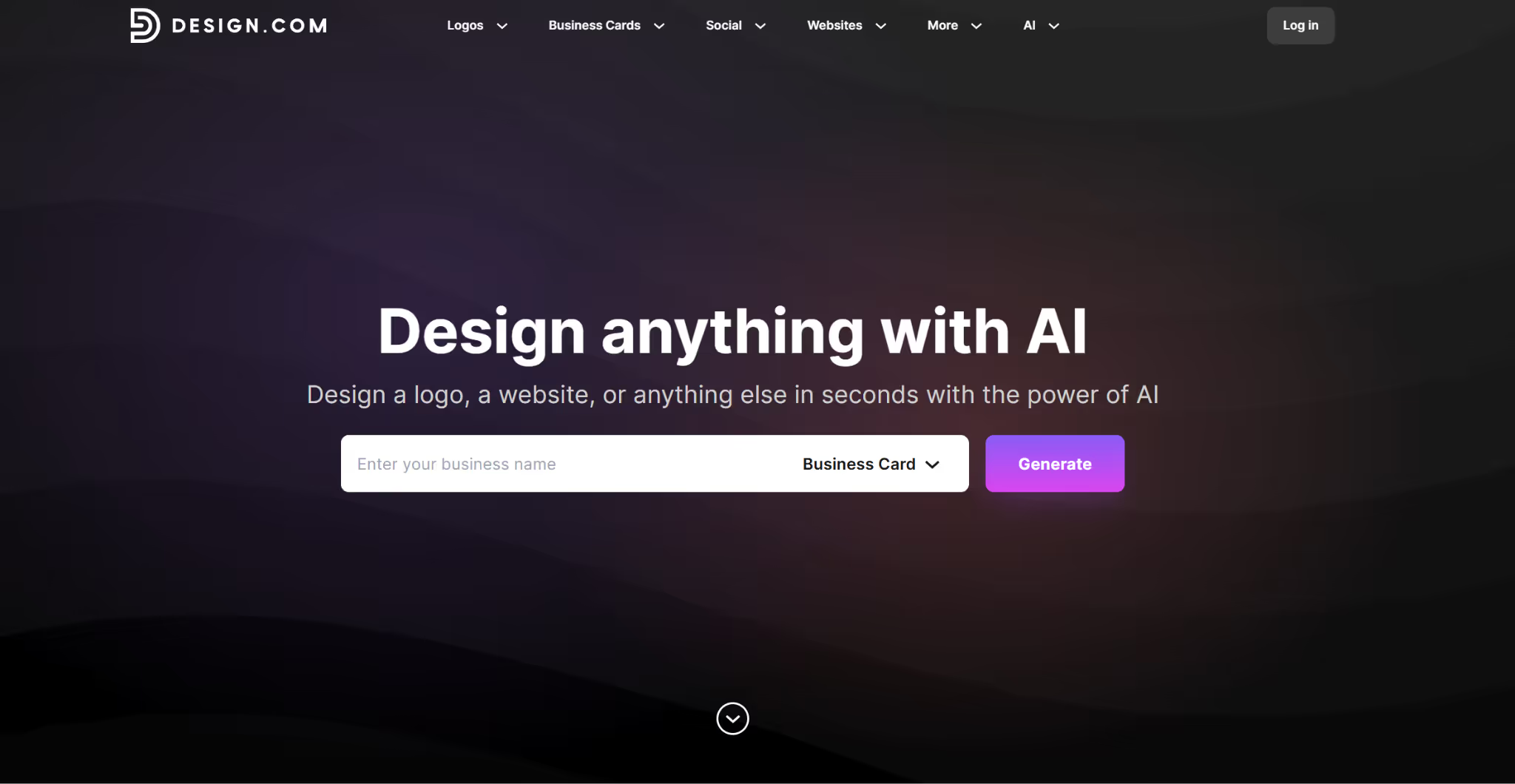
The highest-scoring tool across this review, Design.com, earns its top position across nearly every category. The business card maker uses AI to generate branded card designs the moment a business name or keyword is entered, pulling from a library of 10,000+ professionally designed templates.
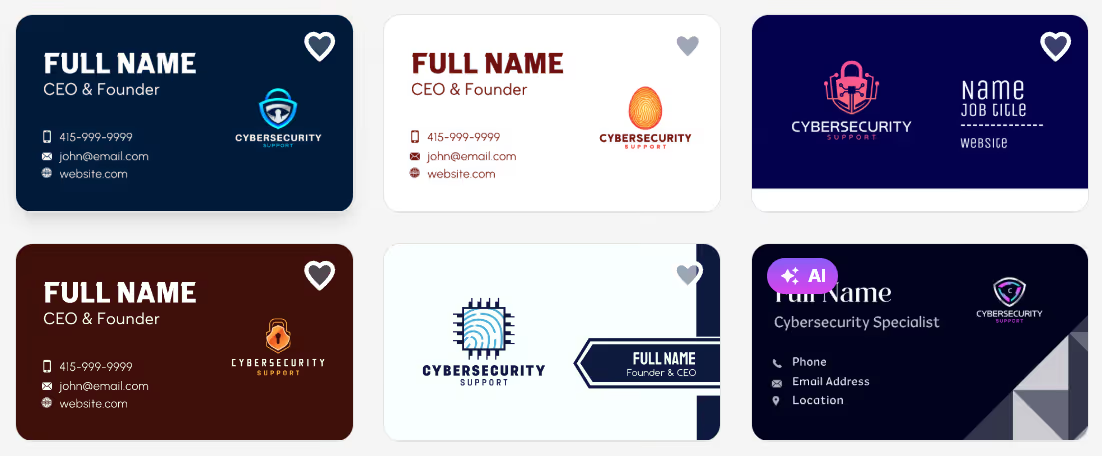
Here we have business cards for an IT security firm:
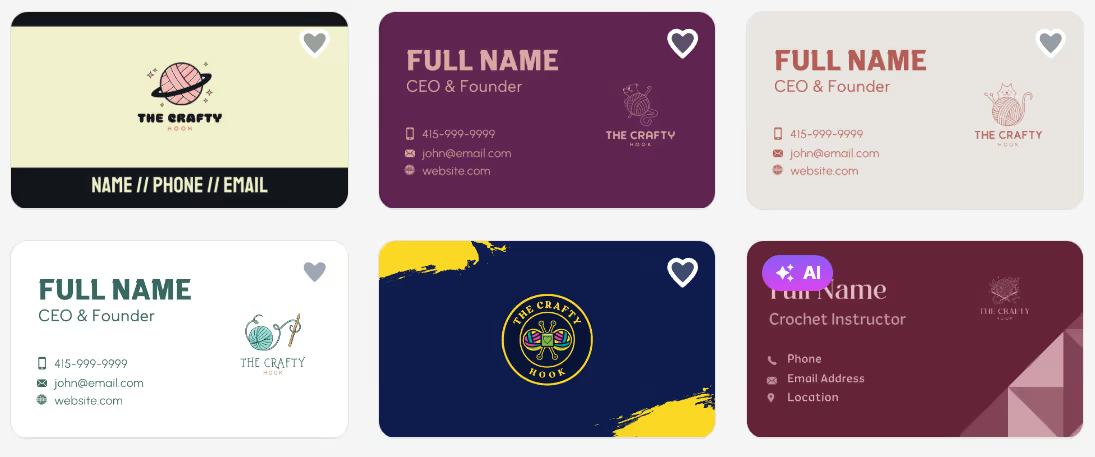
Meanwhile, business card designs look vastly different for an arts and crafts business:
Once a design is finalized, Design.com’s unified brand ecosystem kicks in, and users can extend it to social media graphics, letterheads, and email signatures, all within the same platform. Fonts, colors, gradients, shapes, and curved text are all fully editable, and designs remain accessible from the account for future edits.
Free users get access to core templates, full customization, and downloads in all file formats. A paid plan starting at $6/month unlocks other design tools like logo design, social media graphics, and email signatures. Print orders are available with a fee, but free worldwide shipping is included.
2. BrandCrowd
Best for: Brand-conscious businesses who want a deep template library and broad design tools
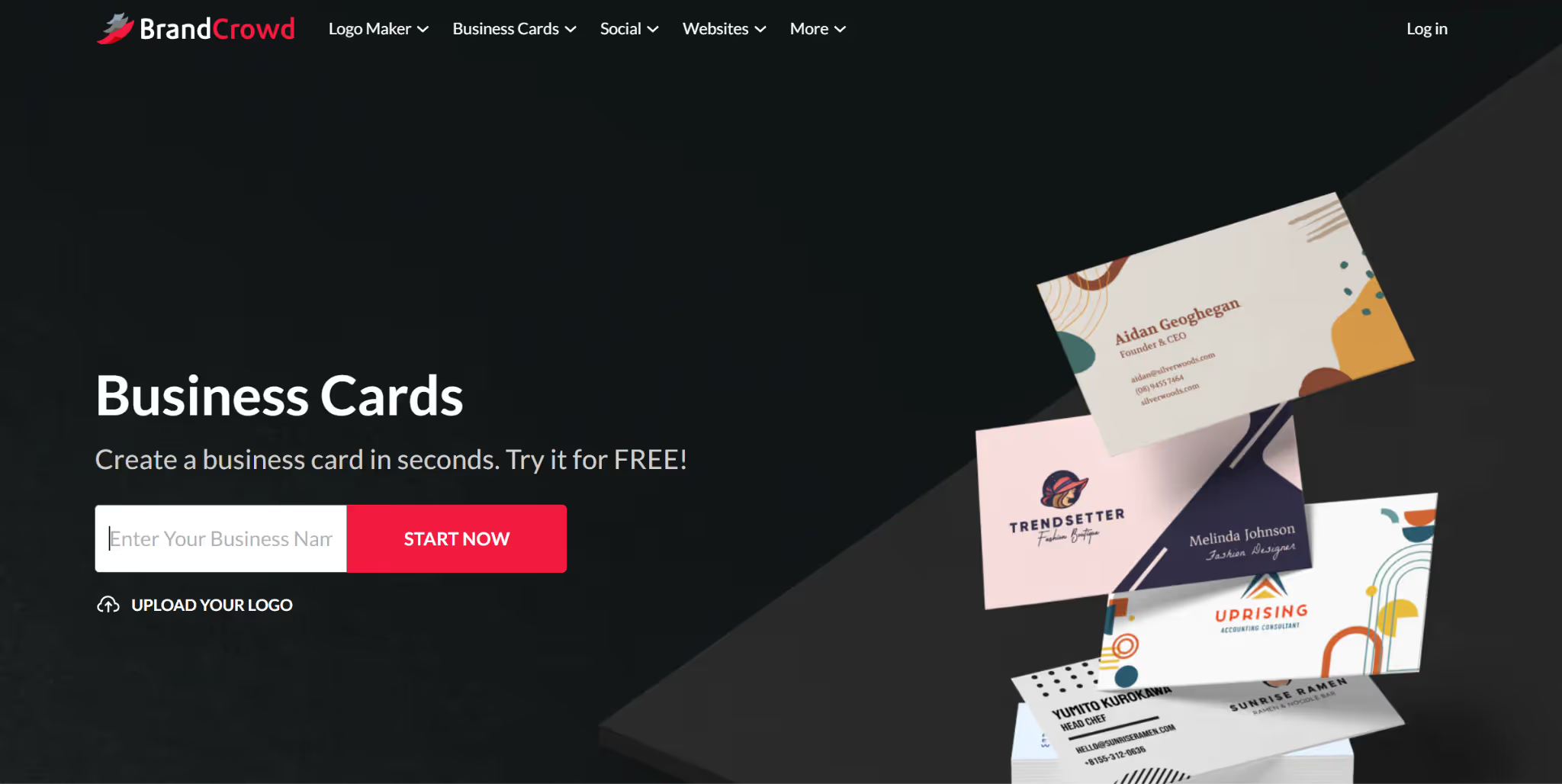
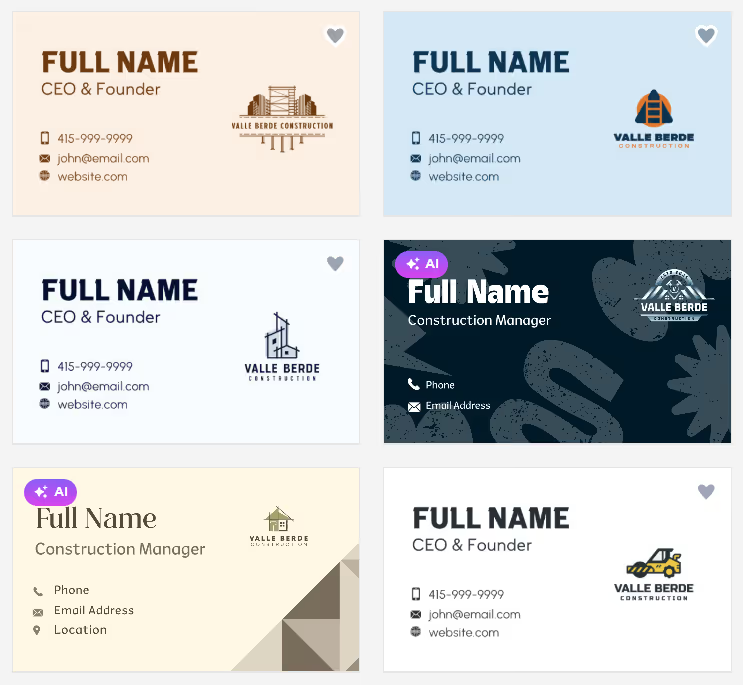
BrandCrowd's strength is scale. With 10,000+ business card templates and access to over 1M total design assets across more than 50 tools, the platform is built for users who want design consistency beyond a single card format. Templates are created by professional designers and organized by industry, making it practical to find something relevant quickly.
Here are samples for a construction company:
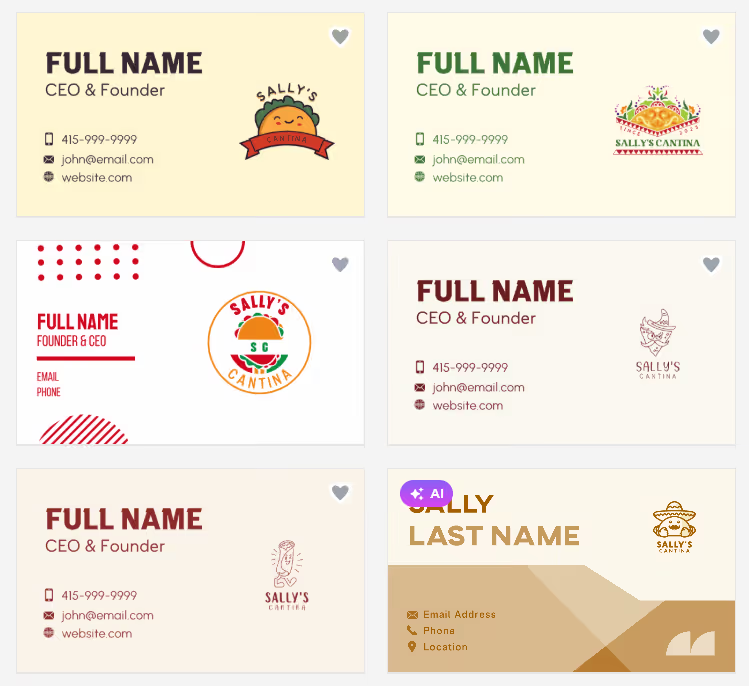
And here we generated business card designs for a restaurant:
Customization is comprehensive: fonts, colors, backgrounds, icon placement, and layout are all adjustable. Multiple card versions can be saved and revisited anytime. The platform's premium plan starts at $3/month billed annually, one of the most competitive price points in this category, and it includes vector downloads, unlimited edits, and access to the full design ecosystem.
Print options mirror Design.com closely: quantities from 250 to 5,000, matte and glossy finishes, square or rounded corners, and free worldwide shipping.
3. Canva
Best for: General users who are already in the Canva ecosystem
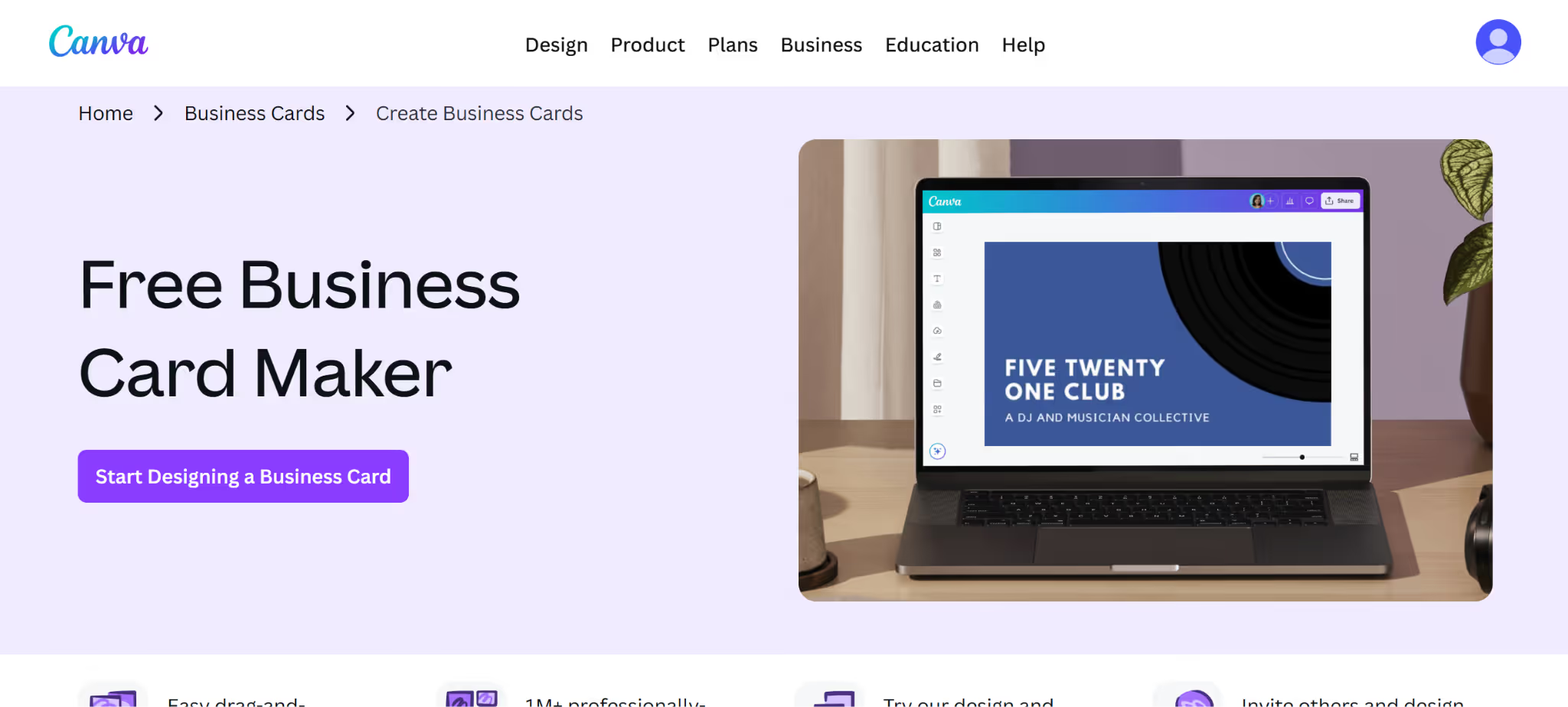
Canva's familiarity is its biggest advantage. The free tier is generous, offering a large template library and an intuitive drag-and-drop editor. Business card templates are plentiful and visually polished.
Here we have sample templates for a lifestyle brand:
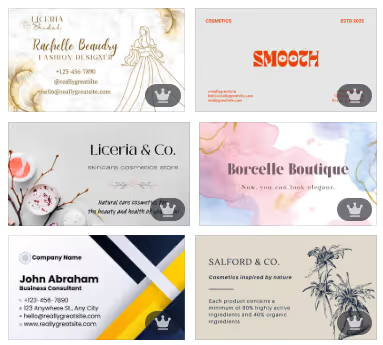
And a tech brand:
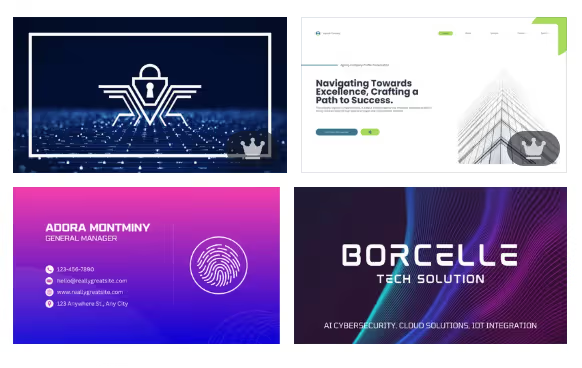
Where it loses ground is in export and print readiness: vector exports and bleed settings require Canva Pro, and brand synchronization tools are more manual compared to dedicated card makers. Ease of use and speed in designing business cards is genuinely best-in-class, but the card-specific workflow is less streamlined than purpose-built tools.
Pricing: Free tier available. Canva Pro starts at approximately $15/month.
4. Adobe Express
Best for: Adobe users who want design quality with Creative Cloud integration
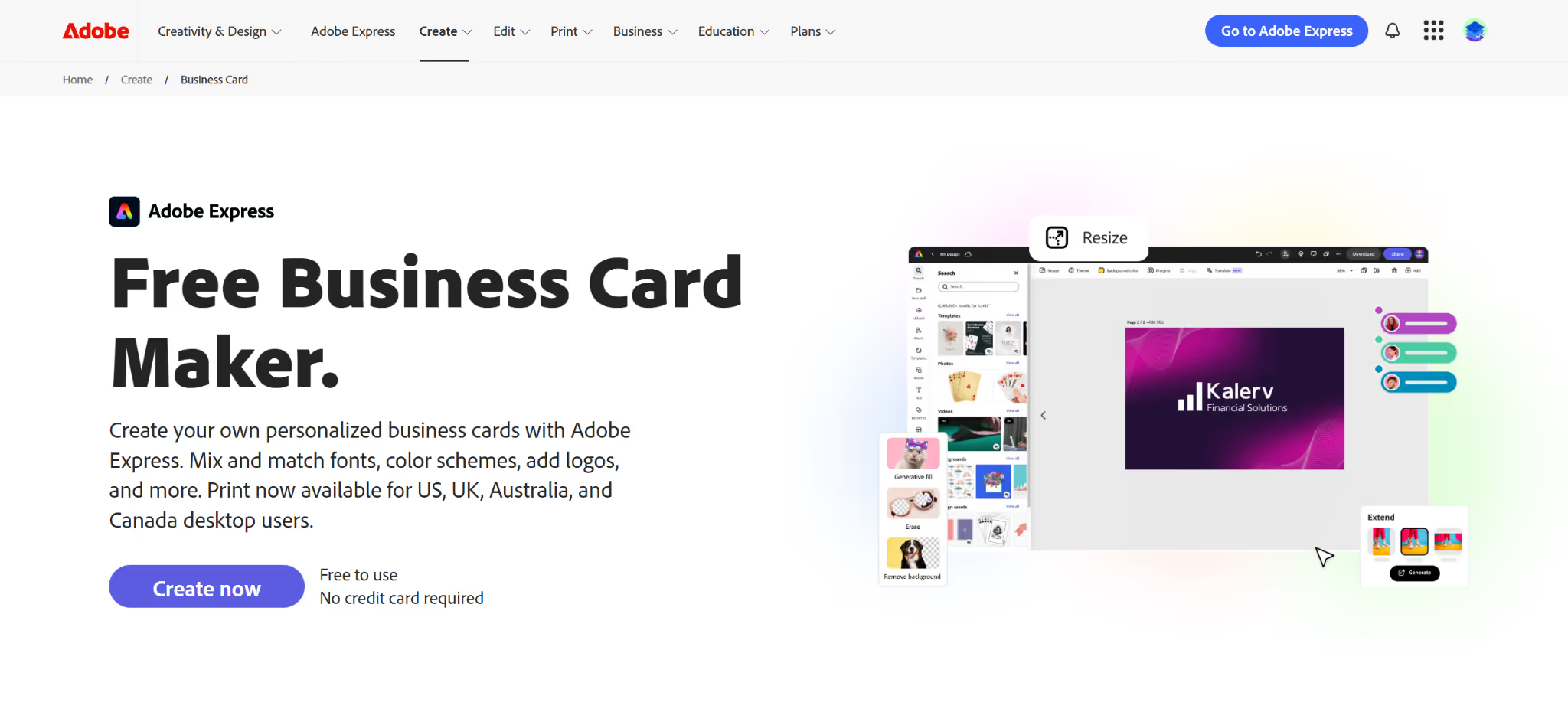
Adobe Express delivers strong design quality and benefits from deep Adobe font and asset libraries. Customization is flexible, and the interface is cleaner than the full Adobe suite.
The free plan is more limited than competitors, and the tool carries a steeper learning curve than its ease-of-use score might suggest for complete beginners. Print-ready exports require a paid plan. Worth considering for users already embedded in the Adobe ecosystem who prioritize design fidelity.
Pricing: Free tier available. Premium plan at approximately $9.99/month.
5. Jukebox
Best for: Users who want high-quality physical cards and a genuinely usable free design experience
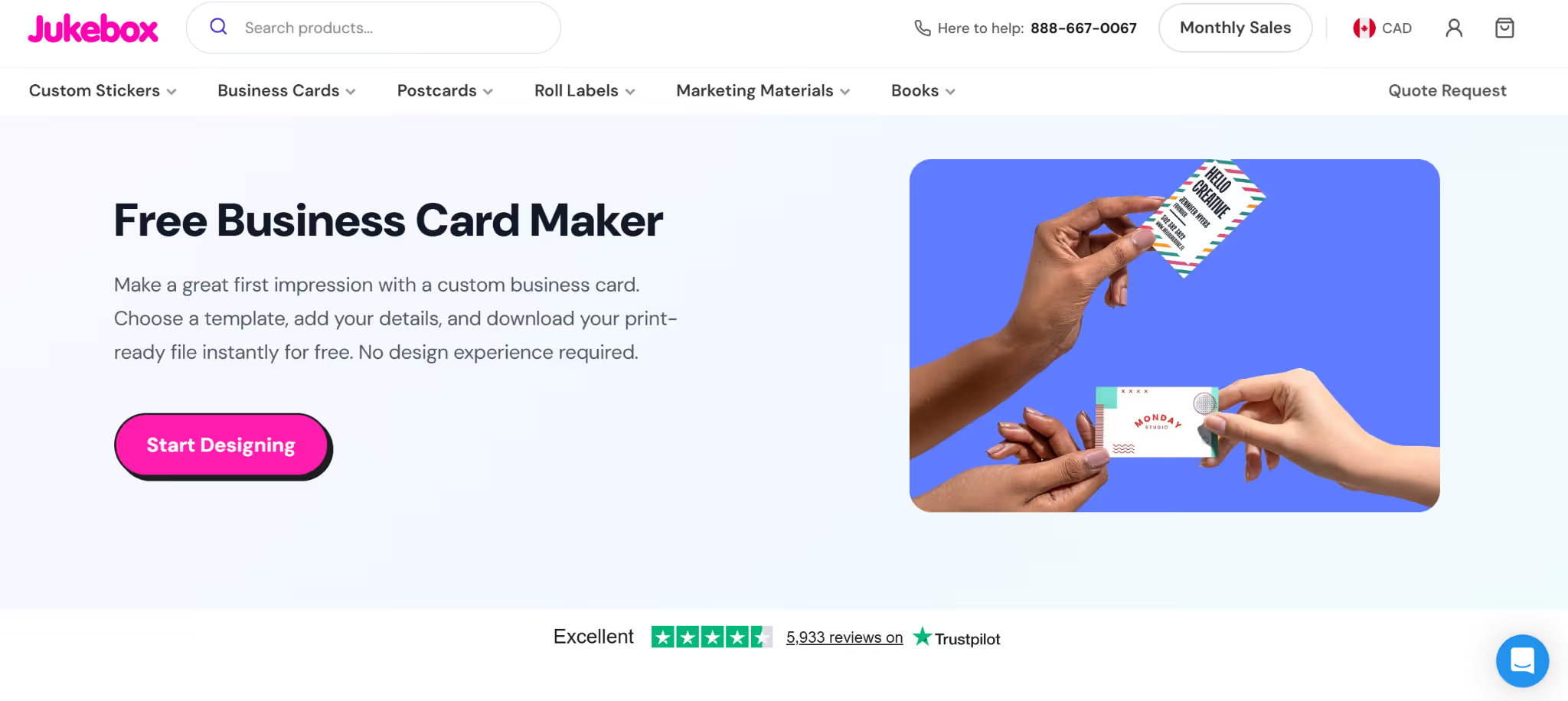
Jukebox earns its position here on two grounds: a free business card maker that allows meaningful design exploration without an immediate payment commitment, and a print output quality that rivals tools positioned higher on this list. Unlike many print-first platforms that treat the design tool as a gateway to a checkout page, Jukebox gives users enough room to experiment with layouts, colors, and card details before committing to an order.
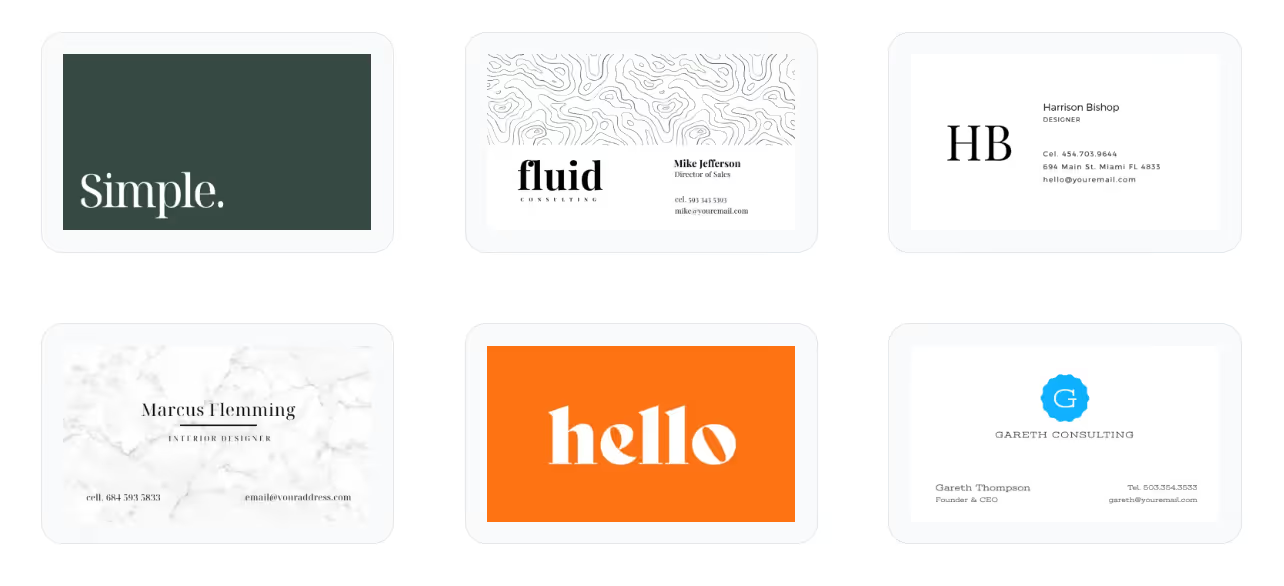
On the print side, Jukebox goes further than most. Specialty finishes, premium card stocks, and precise production standards are built into the platform's core offering, which is reflected in its strong export and print readiness score. Where it trails the top four is in template volume, brand consistency tools, and ecosystem depth.
Pricing: Free to design; final pricing depends on card quantity, stock, and finish selections.
6. Designhill Business Card Maker
Best for: Users who want marketplace-backed design quality with customization flexibility
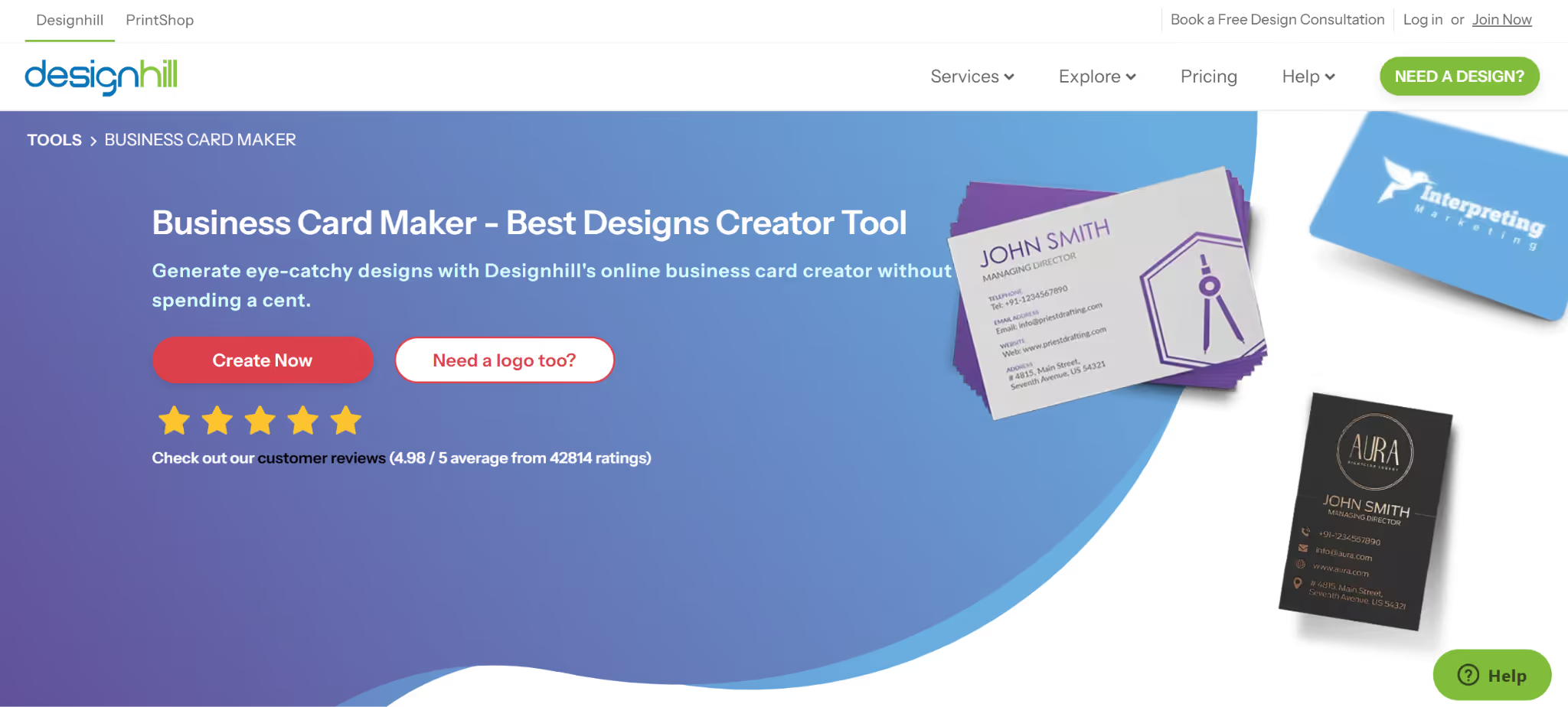
Designhill sits at an interesting intersection between a design tool and a creative marketplace. Its business card maker draws on a library of professionally created templates, and the platform's roots in custom design work show in the visual quality of what's available. Customization covers the expected range of fonts, colors, and layouts, and the editor is accessible without prior design experience.
Where Designhill falls short relative to the tools above it is in brand ecosystem depth and free usability. The free plan allows template browsing and basic editing, but high-resolution and print-ready downloads are gated behind payment. There is no AI-assisted generation, and brand synchronization is more manual than automated. For users who are comfortable doing that work themselves and value template quality, Designhill is a solid option.
Pricing: Free to browse and edit. Downloads and print orders require payment; pricing varies by product and quantity.
7. Vistaprint
Best for: Users who prioritize print quality and proven physical delivery
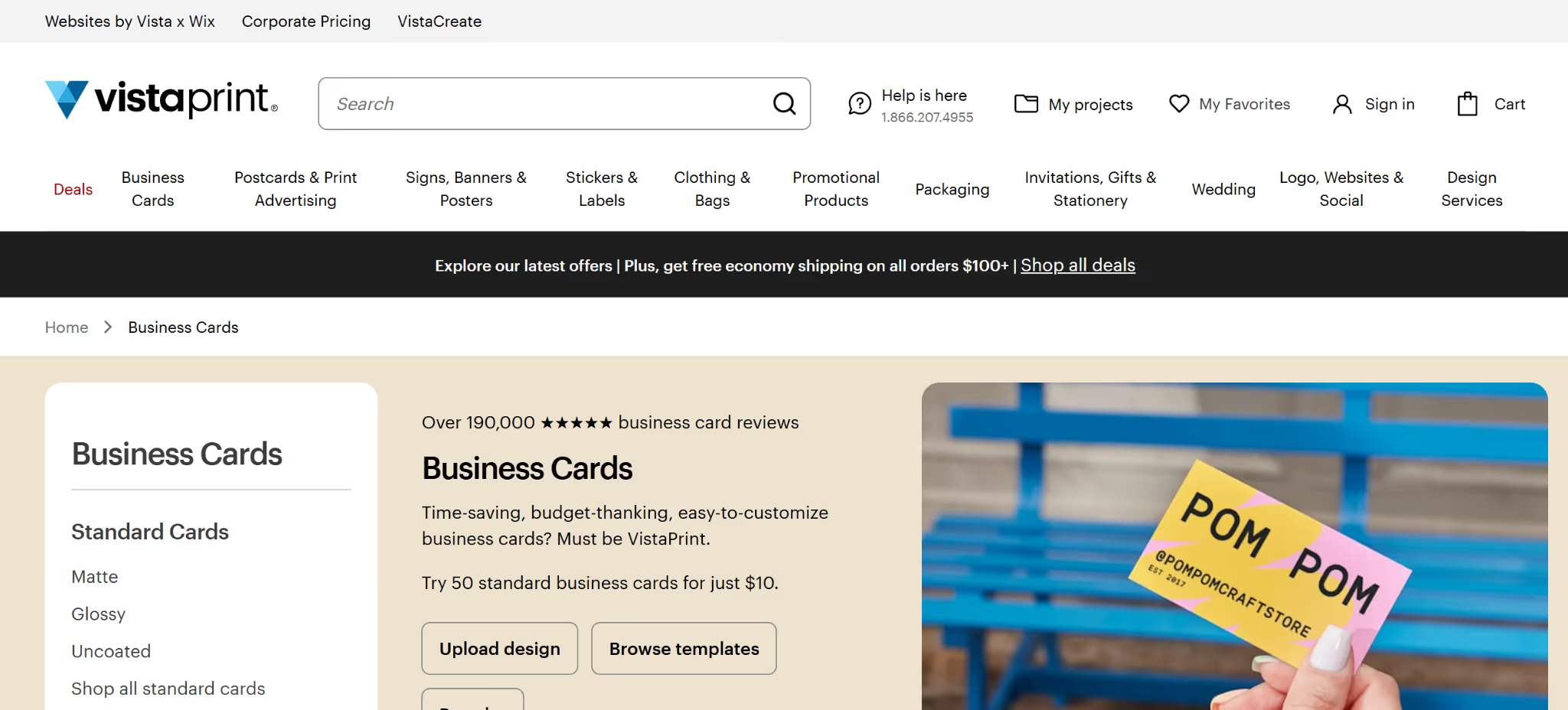
Vistaprint's core business is printing, and that shows in its export and print readiness score, the highest of any tool on this list. The design interface is functional but limited compared to browser-first card makers.
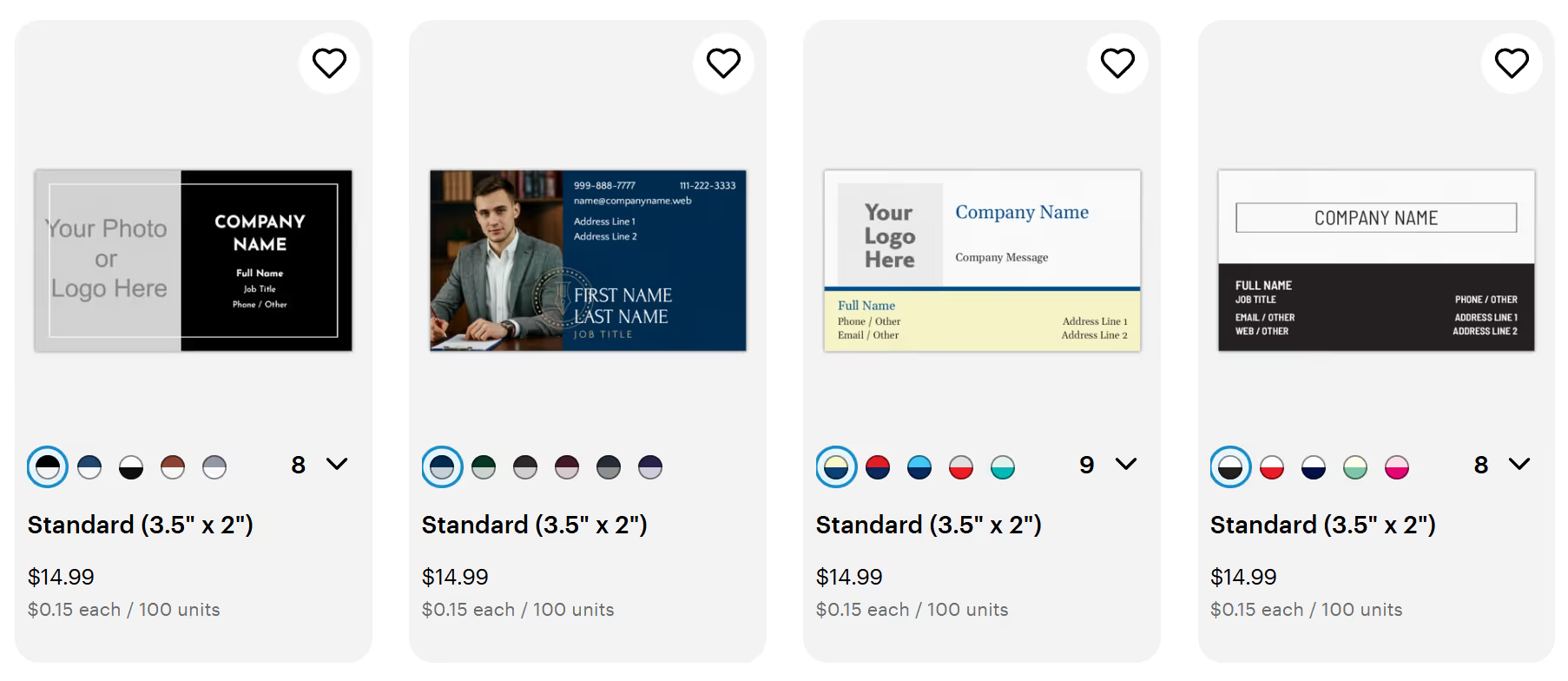
Template variety is decent and the free design experience is straightforward, though the workflow is clearly oriented toward completing a print order rather than exploring design possibilities. Brand ecosystem integration is thin, and there are no meaningful tools for extending a card design into other brand assets.
Pricing: Free design; printing costs vary by order.
Conclusion
Across seven weighted criteria and seven tools, Design.com consistently led the field. Its combination of AI-assisted generation, a 10,000+ template library, full brand ecosystem integration, vector-ready downloads, print-on-demand services, and 24/7 support puts it in a category of its own. Whether you're building a brand from scratch or refreshing existing assets, the platform handles the full workflow without requiring design experience or a large budget.
BrandCrowd is a strong second, particularly for users who want a wide design ecosystem at a very competitive price. But for overall value, performance, and depth across every criterion that matters, Design.com is the clear choice.
Get Business Email
No domain name required
